
Joka Bet Registration, Login and Verification Process
You get fast access to casino games and sports markets after Joka Bet registration. Use quick login to place bets, play, and manage your account. Verification protects your account and ensures withdrawals for UK players. You can use the website or the mobile app, get help any time, and start with up to €1,500 + 250 Free Spins (T&Cs apply).
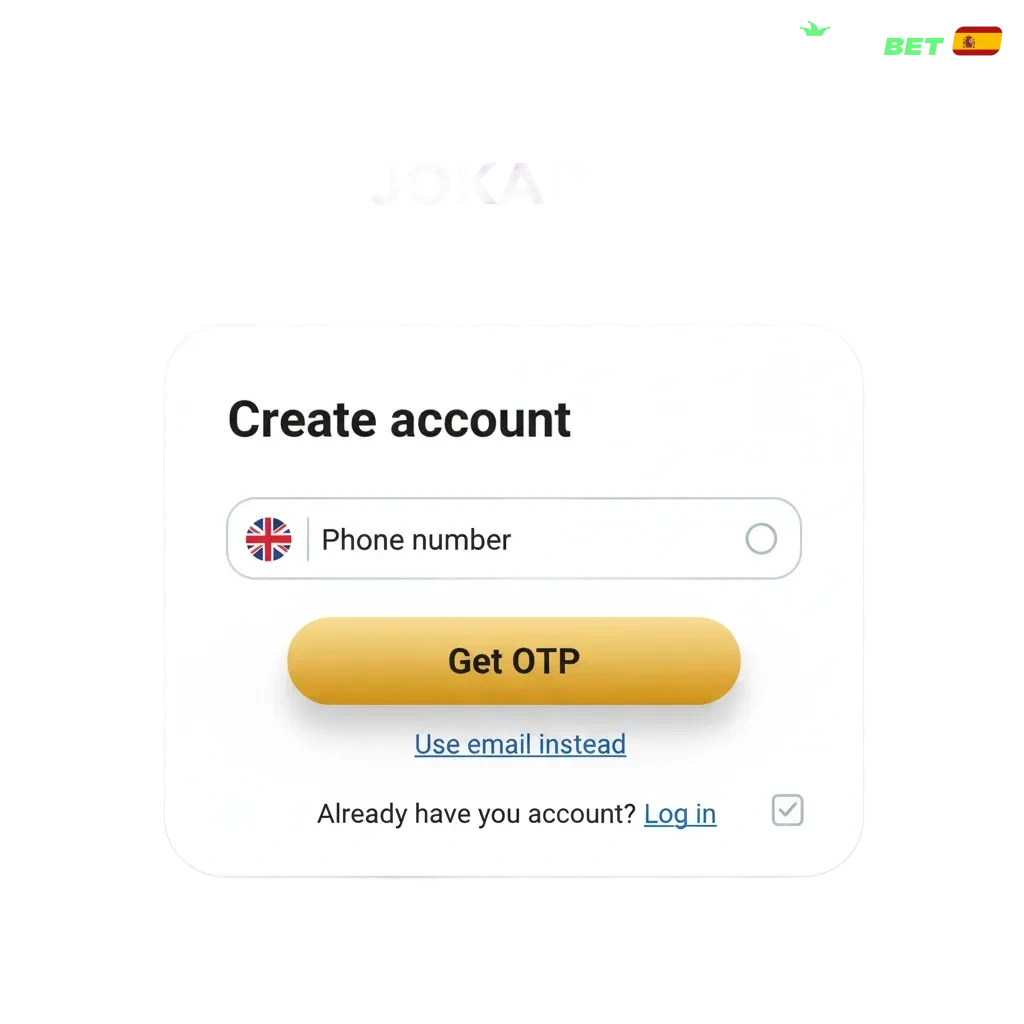
Joka Bet Sign Up Instructions
5 stepsYou can create your account in minutes. Here is how to sign up online.
Choose a method: email, mobile number, or social sign up if offered.
Enter personal details: full name, date of birth, UK address, email or phone, and create a password.
Confirm you are 18+, accept the Terms, and set deposit limits if you wish.
Verify your email or SMS code to finish registration.
Registration via Mobile App Joka Bet
5 stepsThe app registration mirrors the website flow and suits mobile use. You can add Face ID or fingerprint after sign up.
Click the button below to register through the app.
Register Joka BetOpen the app and tap Register.
Choose a method: email, mobile number, or social if available.
Enter details, allow notifications if you like, and set a PIN or enable biometrics.
Verify your email or SMS code and sign in.
Registration Requirements
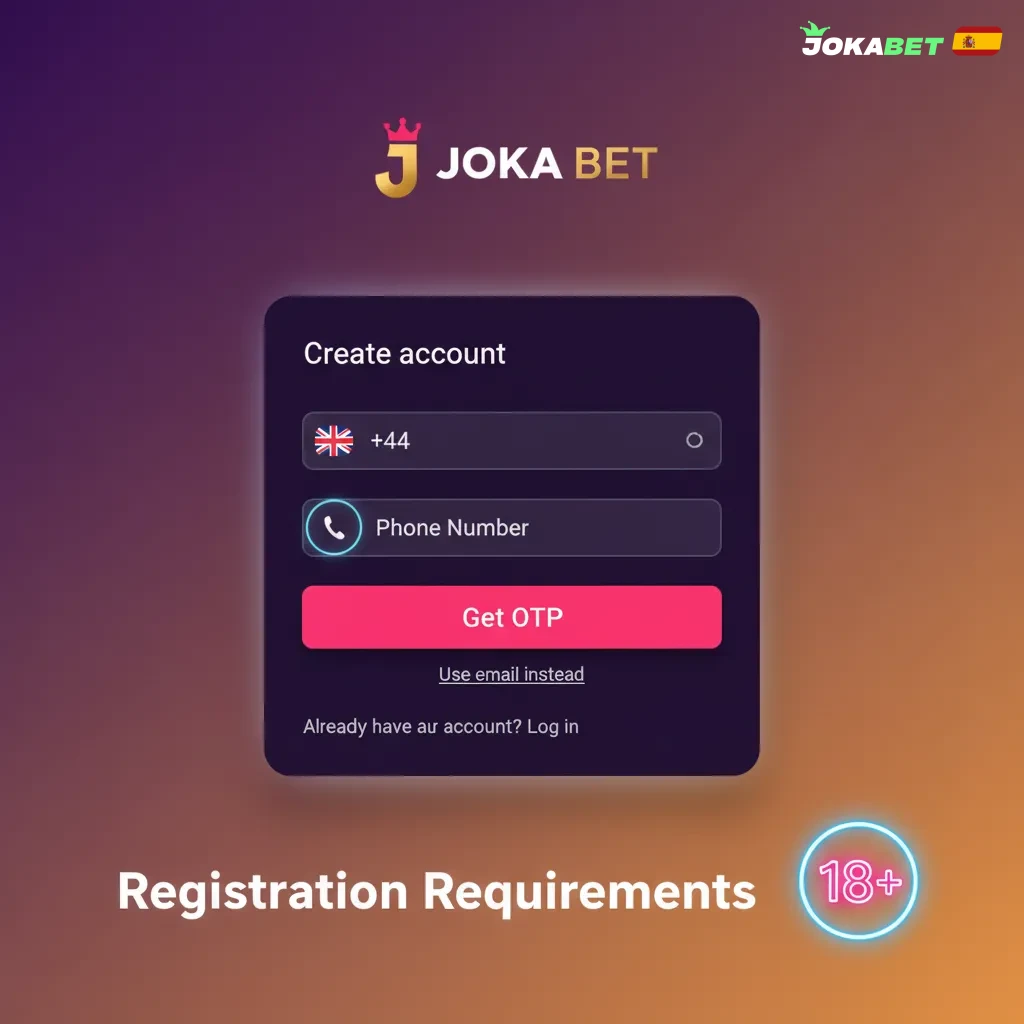
You need to meet UK rules to create an account. Provide accurate personal data so checks pass fast. Documents confirm identity and address. One person can hold only one account. Self-excluded users cannot register.
- Age and location: you must be 18+ and in the United Kingdom.
- Accurate data: enter your legal name, date of birth, and UK address as shown on your documents.
- One account: no duplicate accounts across email, device, or IP.
- KYC documents: submit photo ID and proof of address when requested.
- Responsible gambling: you cannot register if you are on GAMSTOP or any self-exclusion list.
Joka Bet Account Verification Process
5 stepsVerification is required by UK regulation. It enables deposits and withdrawals and keeps your account safe. Most checks are quick once documents are uploaded.
Identity check: upload a passport, driving licence, or national ID.
Address check: provide a recent utility bill, bank statement, or council tax letter (dated within 3 months).
Liveness selfie: take a live photo if prompted.
Source of funds: share payslips, bank statements, or other proof if asked.
Final review: get the result in your account or by email; withdrawals proceed after approval.
Login to Joka Bet Account
4 stepsSign in to manage your account, play, and place bets. You can log in on the website or the app.
Use the login link on this site.
Enter your email or mobile and password, or choose social sign in if available.
Enter your 2-step code if you enabled it.
Select Sign in. On the app, you can use Face ID or fingerprint.
Welcome Bonus After Registration
New players can receive a casino and sports welcome offer. The package can reach up to €1,500 + 250 Free Spins. Terms apply; check your account for the latest UK availability and currency.
Casino welcome
- First deposit: 100% up to €500 + 100 Free Spins. Minimum deposit €20. Wagering 35x bonus; Free Spins winnings 35x.
- Second deposit: 50% up to €500 + 75 Free Spins. Minimum deposit €20. Wagering 35x.
- Third deposit: 50% up to €500 + 75 Free Spins. Minimum deposit €20. Wagering 35x.
Sports welcome
- Example: 100% matched deposit up to €100. Minimum deposit €10. Rollover 5x on selections at odds 1.80+.
Note: Bonus structures may change. See Promotion Terms in your account.
Learn How to Get a Welcome Bonus
4 stepsYou can claim the welcome offer right after sign up. Follow these steps to activate it correctly.
Opt in: choose the bonus in the cashier or promotions page.
Deposit: meet the minimum deposit shown for your chosen offer.
Activate: confirm the bonus before completing the payment if required.
Play or bet: use the bonus on eligible games or markets within the time limit.
Potential Issues when Registering an Account
Most users sign up in minutes. If you face a problem, here are common issues and fixes that may need support.
- Email not received — Check spam, add the site to safe senders, select Resend; contact support if nothing arrives.
- SMS code fails — Confirm phone format and coverage, request a new code; reach support if codes keep failing.
- Document rejected — Use a clear colour photo, no glare, corners visible; ask support for accepted formats.
- Account already exists — Use password recovery; if you cannot access, contact support for an ID check.
- Location blocked — Turn off VPNs and proxies; if you are in the UK and still blocked, contact support.
Account Password Recovery
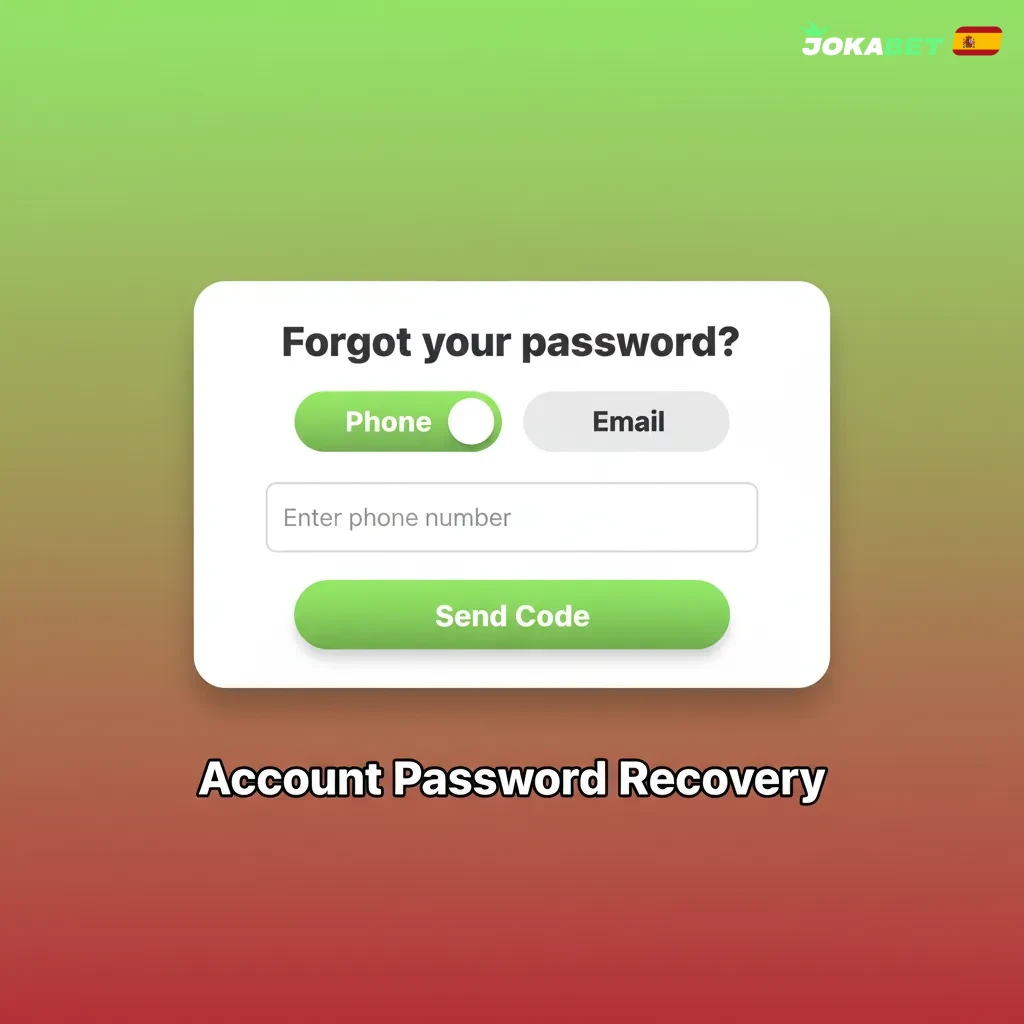
Forgot your password? You can reset it in a few steps.
- Select Forgot password on the login page.
- Enter your registered email or mobile number.
- Choose a reset method: email link or SMS code.
- Follow the link or enter the code, then set a new password.
- If you lack access to both, contact support to verify your identity and restore access.
Delete your Joka Bet Account if Needed
You may close your account for budgeting, time away, or privacy reasons. Consider time-out or self-exclusion if you need a break.
- Withdraw remaining funds and clear active bonuses.
- Go to Account settings and choose Close account, or contact support via live chat or email.
- Select the reason and type of closure: time-out, self-exclusion, or permanent.
- Confirm your identity if asked and wait for the closure confirmation.
FAQ
How long does verification take?
Most automated checks complete in minutes. Manual reviews can take up to 24 hours after you submit clear documents.
What documents count as proof of address in the UK?
A utility bill, bank statement, or council tax letter dated within the last 3 months is accepted.
Can you change your email or mobile number?
Yes. Update details in Profile and confirm the new contact by code or link. Support may ask for an ID check.
Are VPNs allowed for access?
No. VPNs can block access, payments, and verification. Turn them off before sign in.
How do you set deposit or loss limits?
Go to Responsible Gambling in your account. Set daily, weekly, or monthly limits and save your changes.
Updated: